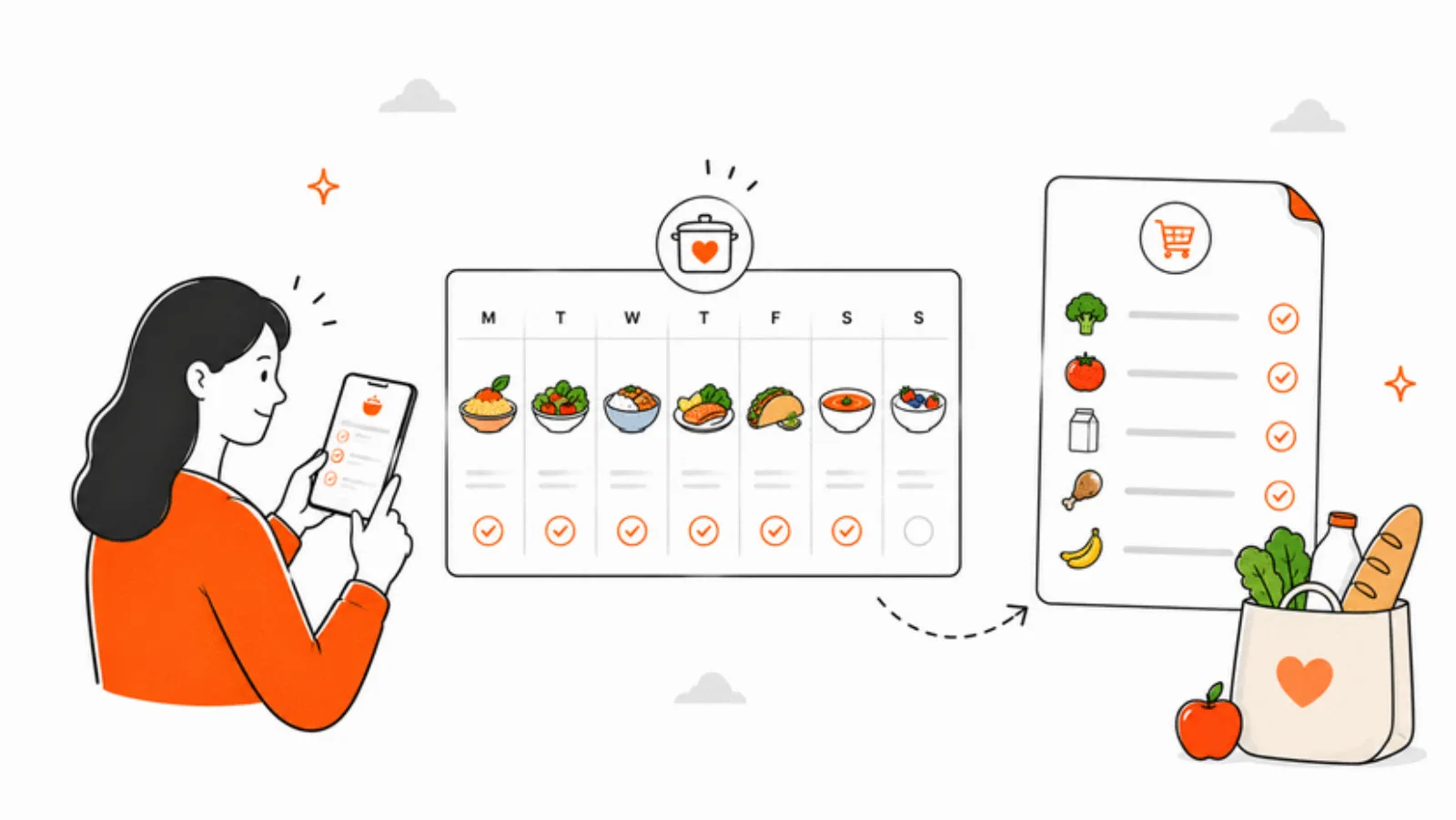
Sunday night. Five dinners planned for the week ahead. Your nine-year-old reads the list over your shoulder, wrinkles their nose, and informs you — with the quiet conviction only a nine-year-old can bring — that they will not be eating the chickpea curry, the baked fish, or the stuffed peppers. Three of five is a majority. The week's plan is, functionally, dead.
The old move was to throw out the plan and start over. You'd ask the AI for a new week, get five more meals, and hope the odds landed better this time. They usually didn't, because nothing about the request had changed. The new move is smaller and stranger: keep Monday's pasta and Thursday's lasagna — those landed — and regenerate only the three that didn't. That's the whole workflow, and it turns out the whole workflow is the thing that makes AI meal planning work with a picky family.
Why whole-plan regeneration fails
Most AI meal planners treat the plan as a single artifact. You press generate, you get a week, and the only way to change it is to press generate again. When one meal lands wrong, you throw out the four that landed right. The cost of a bad recommendation is the whole plan.
That's fine when you're cooking for one adult who'll eat anything. It stops being fine the moment you're feeding a kid who likes pasta but not sauce, chicken but not chicken thighs, rice but only if it's white, and cheese but not on anything. Picky families need a plan that can be edited in pieces, not rewritten in bulk.
The workflow, in five small steps
The point of this workflow isn't to outsource dinner to a model. It's to take the 45 minutes of "what should we eat this week" out of your Sunday, so the decisions left in your hands are the ones only you can make.
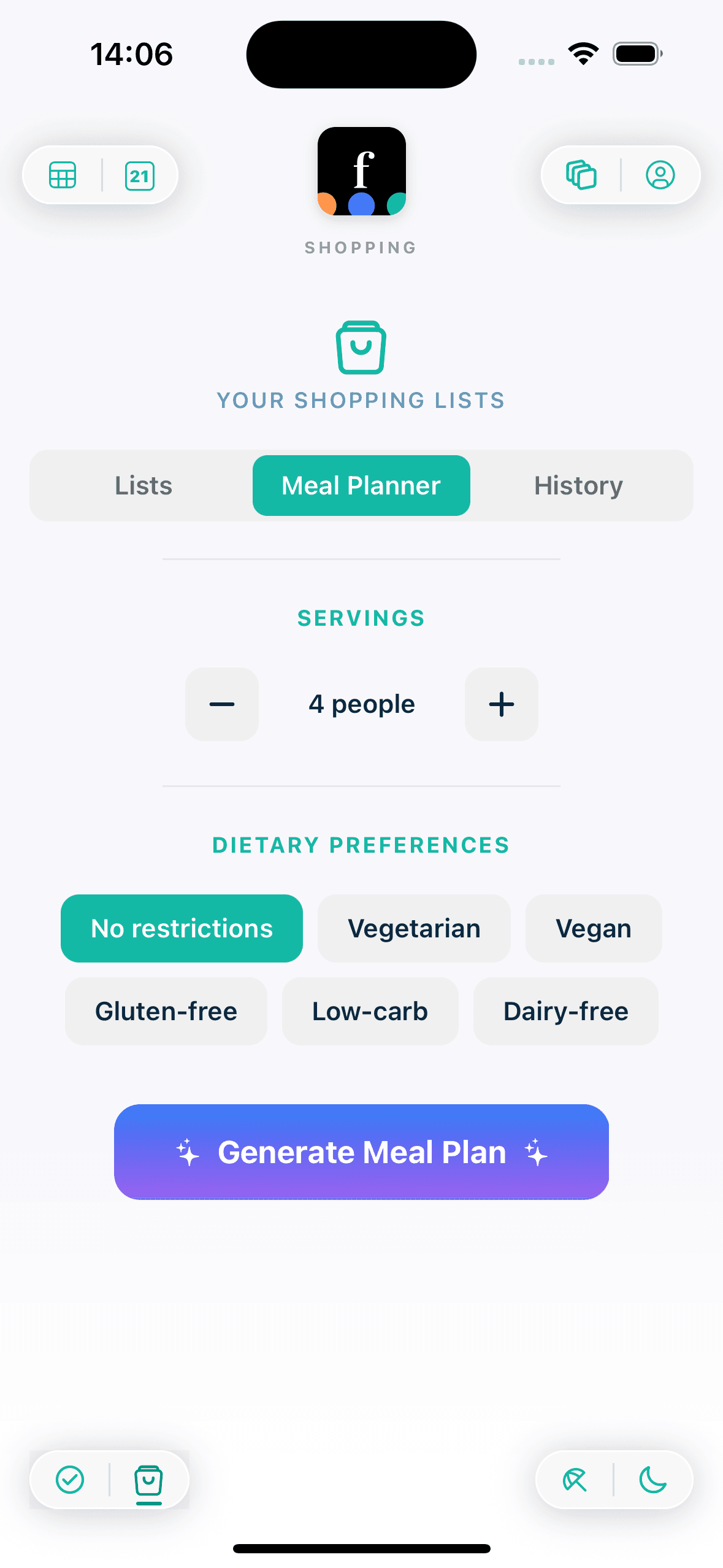
- 1Tell Famnly who's eating. Set the household's dietary filters — vegetarian, vegan, gluten-free, low-carb, dairy-free, or none — and the servings you actually cook for (one to ten). These flags go into every generation request so the model never offers a meal you'd have to strike from the start.
- 2Pick the days and the meals. Anywhere from one to seven days, and any combination of breakfast, lunch, dinner, and snacks. Most families run it for five dinners — weekend cooking is its own thing — but the generator is happy to plan a whole week including lunchboxes.
- 3Read the plan with the picky eater next to you. Not the whole family — the one person most likely to veto something. Two minutes of "yes, yes, no, yes, no" beats a Wednesday-night fight over the curry.
- 4Regenerate the misses, one at a time. For each meal the kid nixed, Famnly sends the mealType, the dietary filters, the servings, and the rest of the current plan as context. Gemini writes a replacement in the same style — without repeating anything that stuck. You keep the hits. You only re-roll the misses.
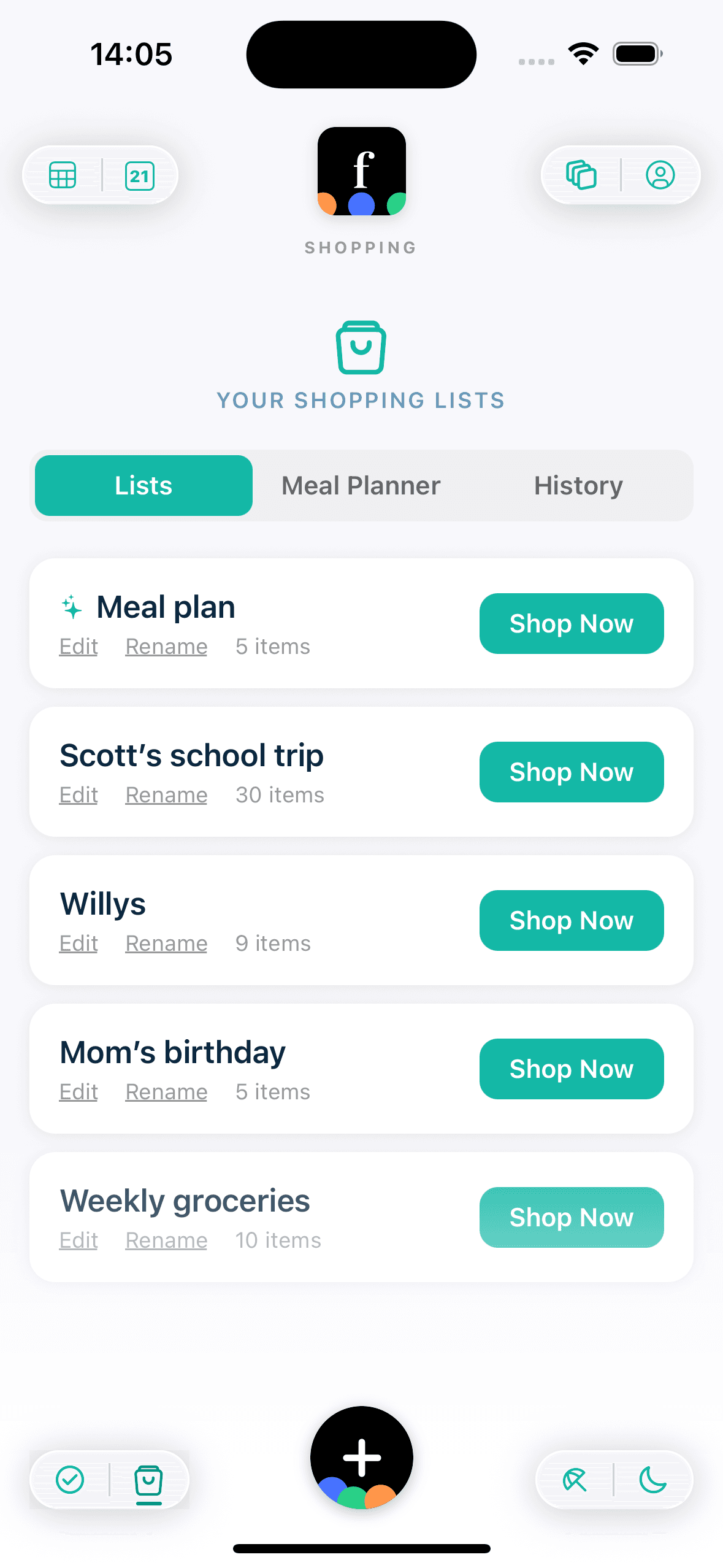
- 5Let the grocery list sort itself. Once the plan is locked, tap through to the shopping list and sort it into supermarket aisle categories — produce, dairy, pantry, freezer, and so on. You walk the store once, not five times.
The mechanic that makes it work
Under the hood, full-plan generation is a POST and single-meal regeneration is a PATCH. That's not trivia — it's the difference between replacing the whole week and editing a single slot. When you regenerate Tuesday's dinner, the model gets told exactly which slot it's filling, which dietary flags apply, how many servings to plan for, and what the other four dinners of the week already are. The replacement fits in.
That context matters. Without it, the model doesn't know whether Monday was already pasta, or whether Wednesday's dinner was the second Italian meal of the week. With it, you get a replacement that slots in rather than competing with the meals you kept.
From meal plan to grocery list, automatically
The plan is only half the workflow. The other half is the shop. Every meal Famnly generates comes with an ingredient list, and those ingredients roll up into a grocery list for the week. The list starts out in the order the meals were planned, which is useless when you're standing in the produce section trying to remember what you need from dairy.
Tap the sort button and Famnly groups the list into supermarket aisle categories — produce, dairy, bakery, meat, pantry, frozen, and so on. Same Gemini model, different job. You walk the store in one pass, picking up what each aisle owes you, instead of zig-zagging back for the sour cream you missed.
AI doesn't know what your kid actually ate last Tuesday. You do. The workflow works because you're in the loop.
Guardrails that keep the cost sane
AI features are premium in Famnly, and the rate limits are tight on purpose: two full meal plans per family per day, four individual meal regenerations, and four grocery sorts. For a family cooking a week at a time, that's the right shape — you plan once on Sunday, swap a few misses, and sort the list. The limits exist because generation costs money and because a calm default beats a feature that accidentally bankrupts its own margins.
There's also a kill switch. If something goes wrong on the model's side, Famnly can disable every AI endpoint instantly with a single environment variable. The calendar and chores keep working. You lose the generator, not the app.
Where AI stops and you start
AI doesn't know that your kid hated curry last Tuesday. It doesn't know that your partner is working late on Wednesday and won't eat the stir-fry. It doesn't know that you bought a whole chicken on sale and need to use it up. You know all of that, and the regenerate-one-meal-at-a-time loop is how you get that knowledge into the plan without retyping the whole thing.
What AI gives you is the 45 minutes back. The part of Sunday where you scroll through recipe sites trying to remember what the family liked three weeks ago — that's the part the model handles. The part where you say "not the curry" and the plan adjusts — that's the part the workflow handles. The part where you decide whether Friday is pizza night — that stays yours. That's the real win, not perfect plans.